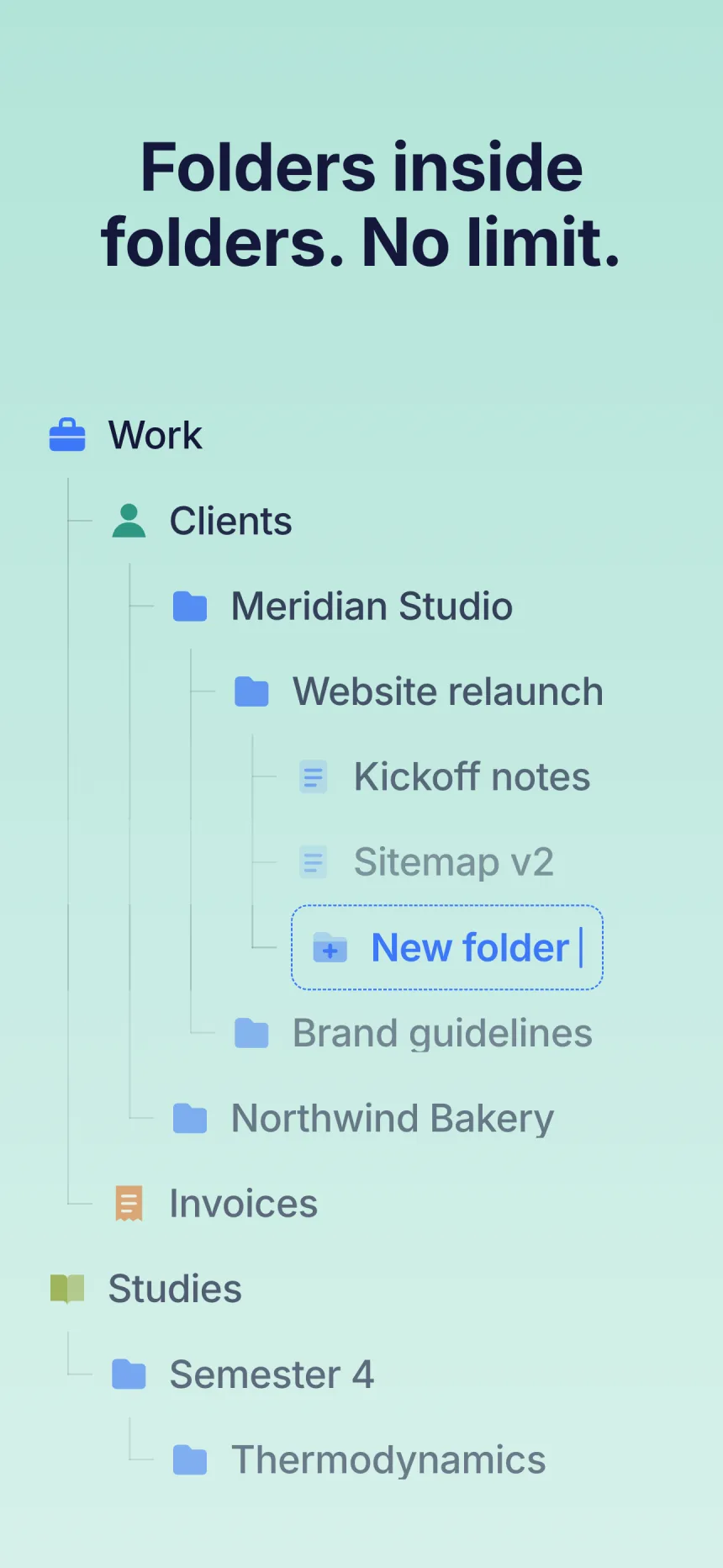
Folders in folders – no limit.
Create as many levels as you need. Folino always shows you exactly one level – clear instead of cluttered.
- SchoolLevel 1
- Grade 9Level 2
- MathLevel 3
- Formula sheetLevel 4
- Level 5, 6, 7 …
Over 90,000 downloads on Android and iOS
Organize notes, checklists and ideas in folders and subfolders – with no limit on levels. Free, ad-free and no subscription.


Folino focuses on one job: keeping notes in folders. The core features are free forever.
Create as many levels as you need. Folino always shows you exactly one level – clear instead of cluttered.
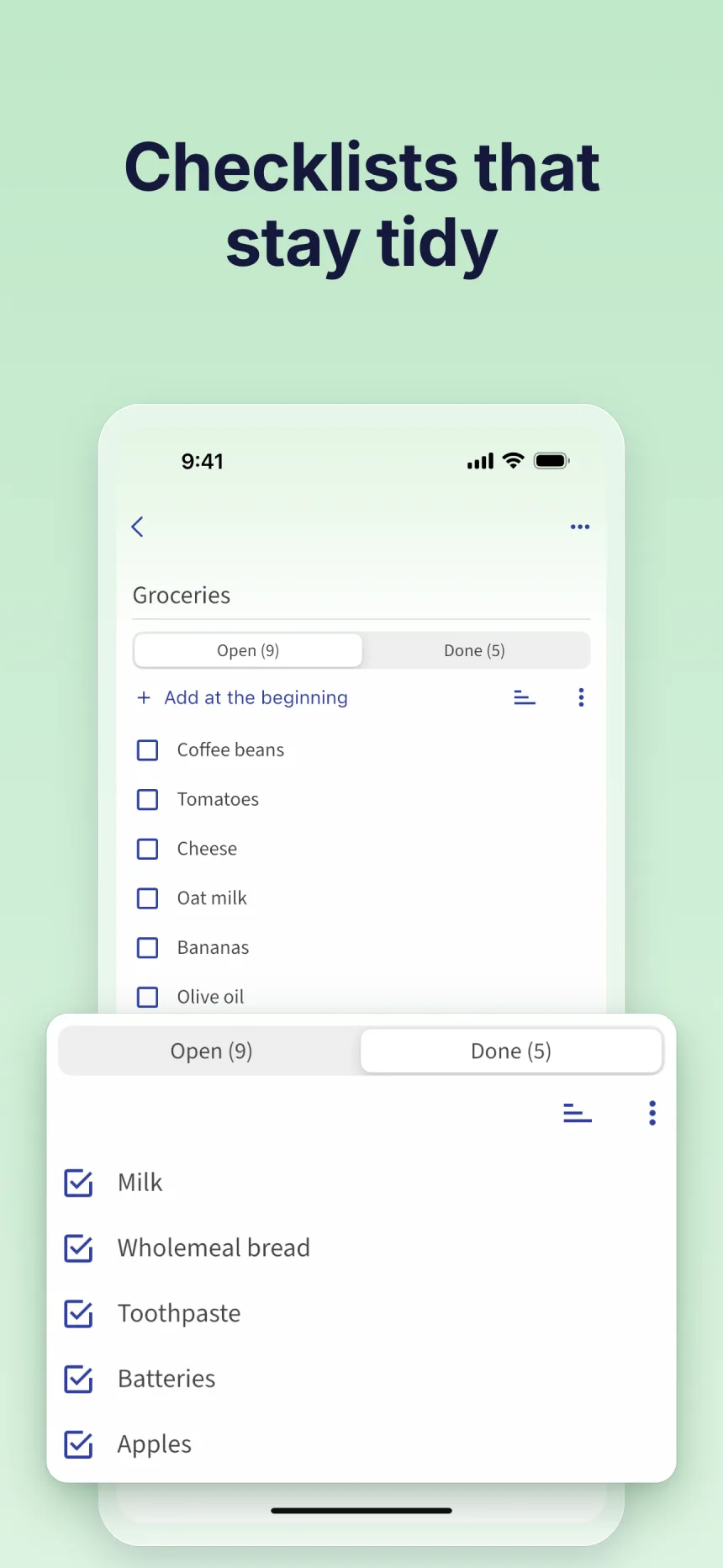
Tick off what’s done – for groceries, packing lists or to-dos.
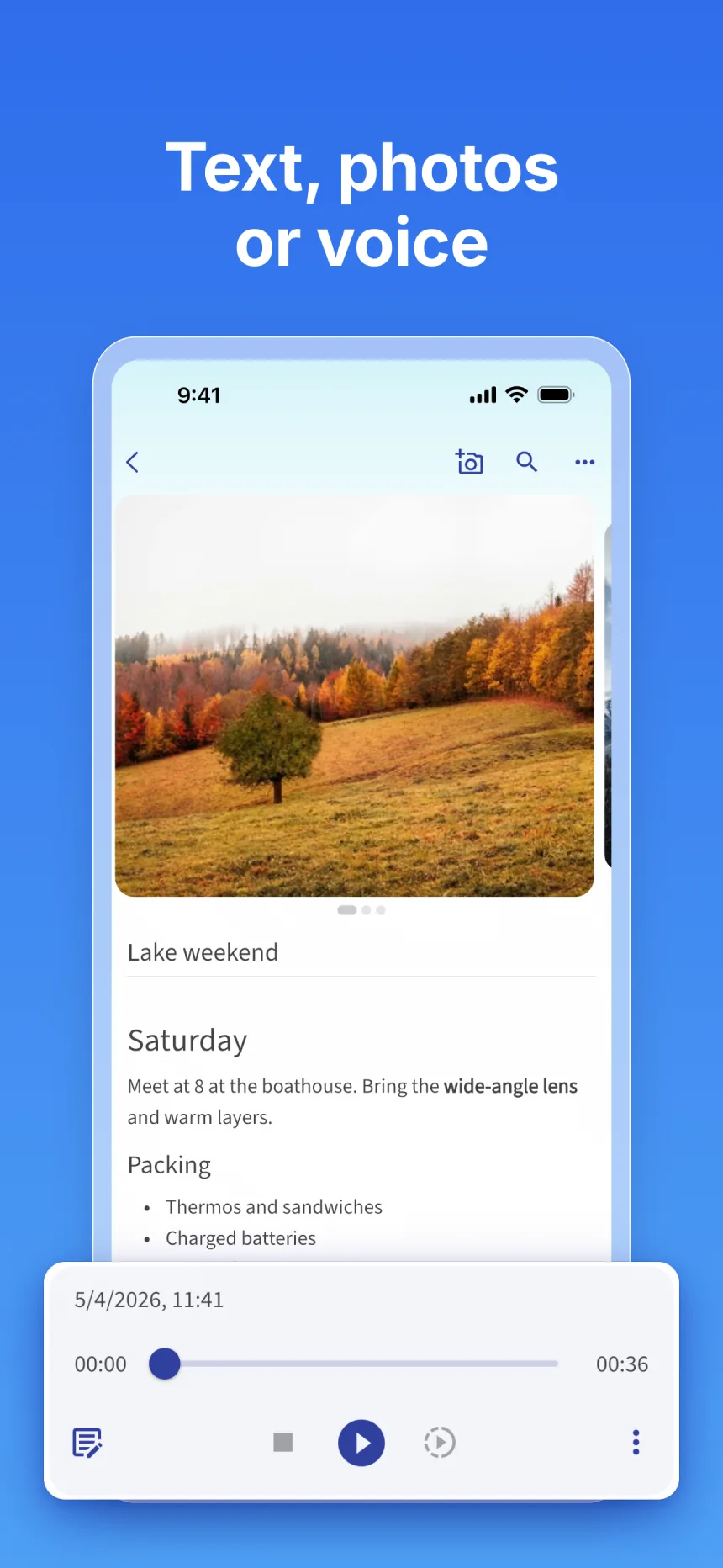
Headings, bold, italics and lists – shape your notes the way you need them.
No banners, no pop-ups, no interruptions. Just your notes.
0ads.
Even in the free version.
Mark important folders and notes with your own color and icon.
What Folino does differently from other notes apps – and what it doesn’t.
No subscription. No ads. No hidden costs.
Freeforever
Everything you need to organize your notes.
One-timeyours forever
For everyone who wants to get more out of their notes.
You’ll see the price in your currency on the App Store or Google Play.
The key answers about pricing, backup and devices.
Yes. Folders, subfolders, text notes and checklists are free forever and without ads. Premium unlocks additional features.
No. Premium is a one-time purchase: pay once and it’s yours – no monthly fees. You’ll see the price in your currency on the App Store or Google Play.
Without limit. Create folders inside folders, as many levels as you need. Folino always shows you one level at a time.
With Premium, Folino syncs your notes via your own Google Drive. That way they are on several devices and backed up as well.
Yes. Folino is free on the App Store and on Google Play.
From Google Keep, yes: all your notes come over in one go, with formatting, checklists, images and labels as folders. From other apps, you currently move notes one by one via the share menu.
Yes. You can export notes as TXT files for free, and as PDF with Premium. Markdown export is coming soon.
Free for Android and iOS. No ads, no subscription.
Scan the QR code with your phone camera – the store opens right away.